



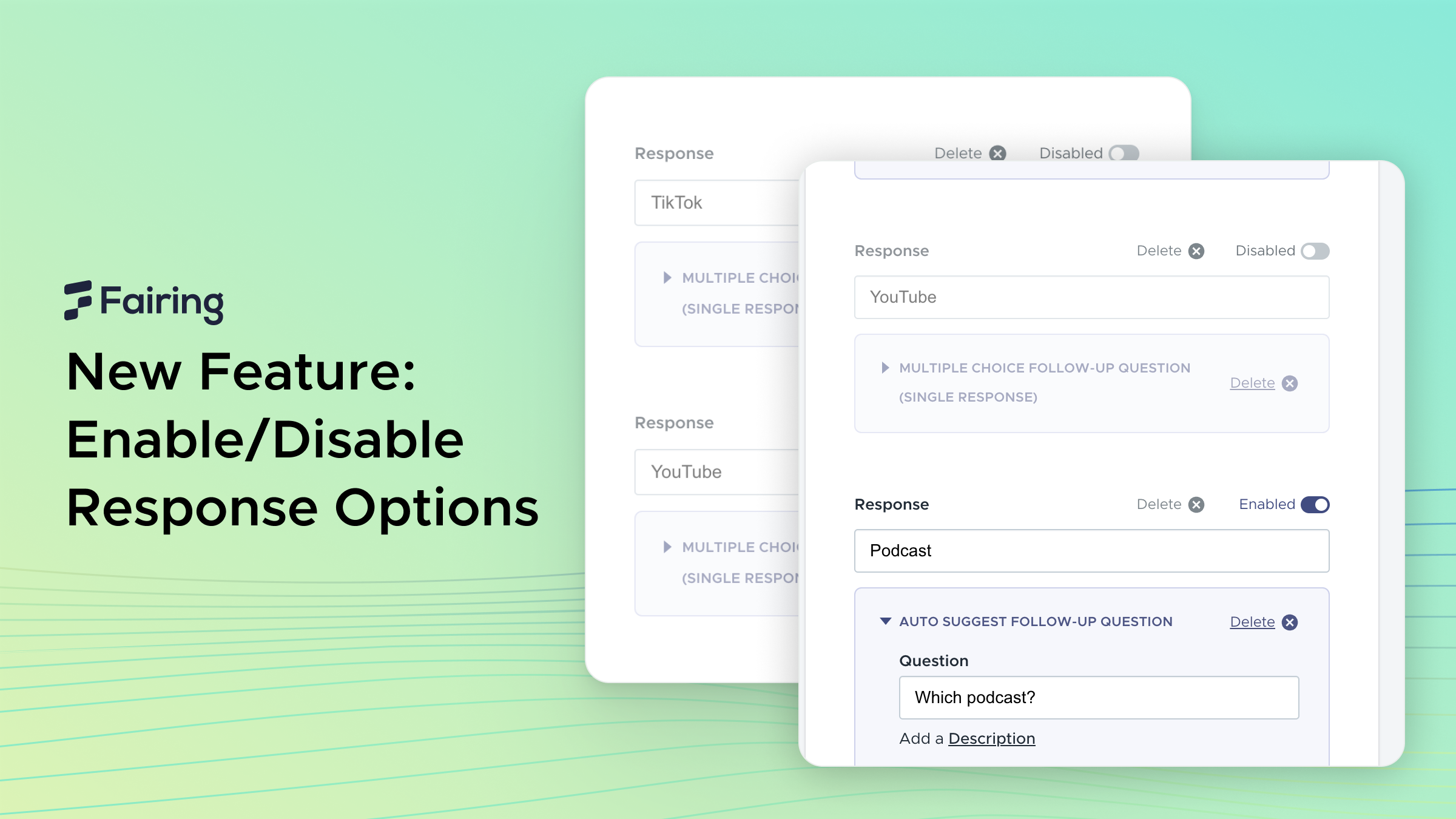
Strategic attribution measurement via your hdyhau survey requires careful control over your response options. Today, we're launching a feature that lets you enable or disable response options with a single click. This feature preserves your survey logic and data integrity while maintaining measurement flexibility.
The Channel Measurement Challenge
Marketing attribution is nuanced. You need baseline data before spending when launching a new channel. When pausing a channel, you need to capture remnant attribution from users who were exposed during the campaign. But there are key moments when showing certain options can muddy your data:
- After collecting sufficient baseline data well before a channel launch
- Once remnant attribution has fallen below significance post-campaign (i.e. below 1% of responses)
- During creative refreshes when you want to isolate performance
- Between seasonal campaign flights when you need clean comparative data
Until now, removing these options meant deleting them entirely—along with all your follow-up questions and routing logic.
Introducing Response Enable/Disable
This new feature provides straightforward control over your survey options:
- Quick Toggles: Instantly enable or disable any response option
- Preserve Your Setup: Keep all your follow-up questions and routing logic intact, along with response IDs that may be used downstream via the Fairing API or 3rd party integration
- Clean Experience: Disabled options are automatically filtered from live surveys
- Instant Reactivation: Bring options back with a single click when you need them
Getting Started: The new enable/disable controls are available in your survey editor:
- Open your question edit page
- Look for the visibility icon next to each response
- Toggle options on/off as needed – your setup stays exactly as you built it
Ready to take control of your survey options? Sign in to your dashboard →
For implementation details, visit our documentation.